 JobShot iPhone · Business
 You take the photos anyway
Shoot before and after, jot a one-line note, and JobShot writes the completion report. Your customer opens it from a link you text over — no app to install, nothing to sign in to.
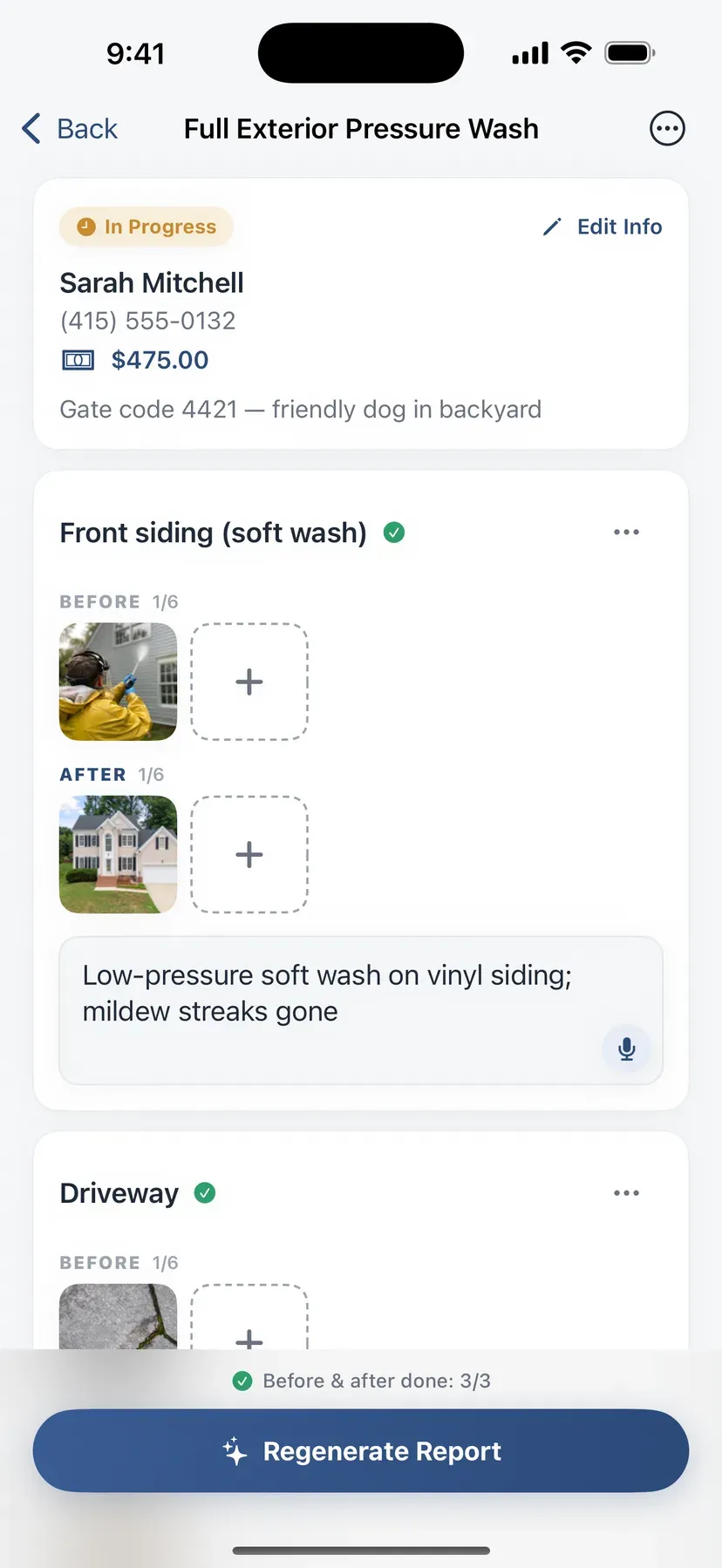
One link for the customer, one screen for your day
One link. Instant proof.
When the job is done, so is the report — before and after side by side, the work written up in courteous, complete sentences, and a share link ready to text. Not quite right? Ask for the change in plain words and the report rewrites itself.
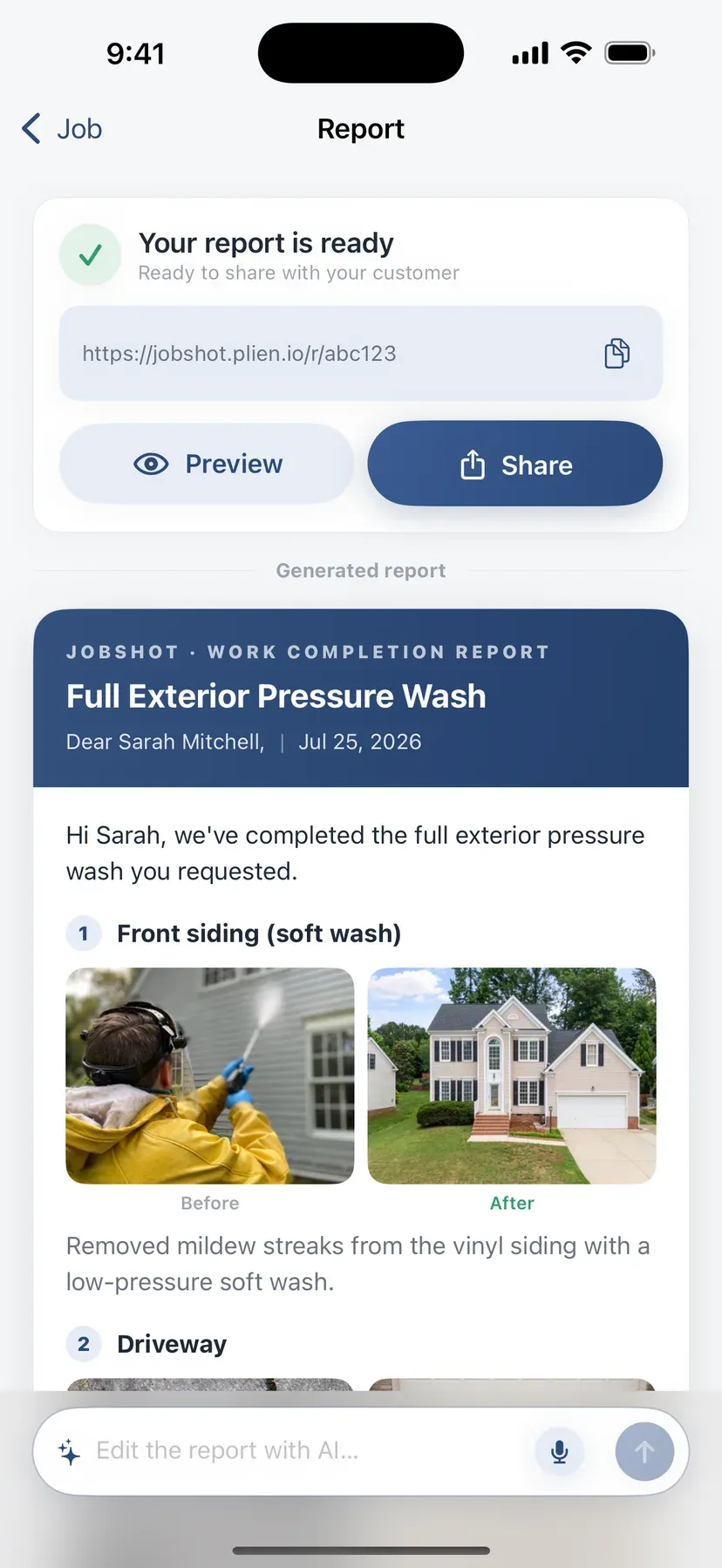
Notes in Spanish. Report in English.
Write the section note however you think — Spanish, Tagalog, Korean — then pick the language the report goes out in before you generate it. Your customer gets a courteous English write-up you never had to compose in English.
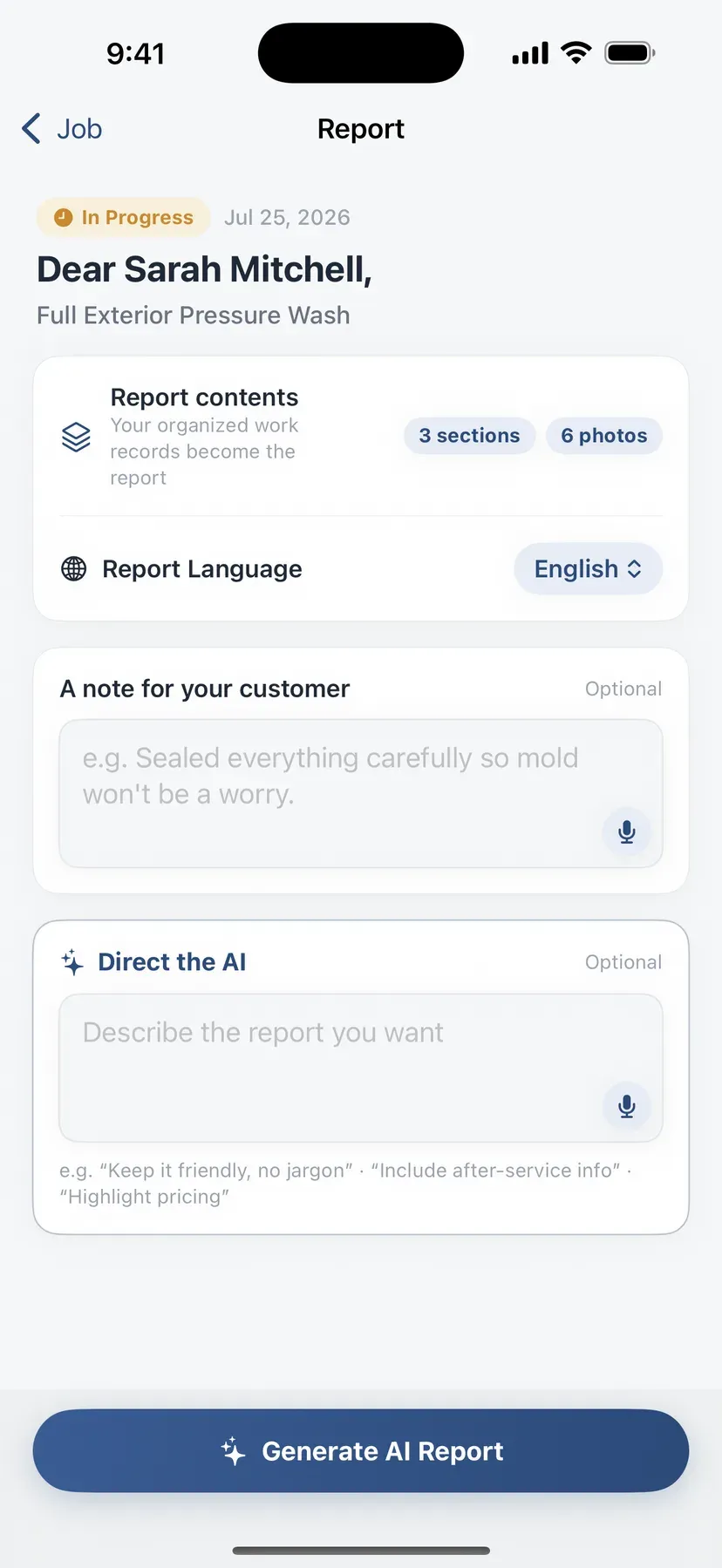
Your day at a glance
Every job sits under your business name on one screen — what's still in progress, what's done, how many sections and photos each one holds. Tap in, shoot the next section, back out. The list you already keep in your head, kept for you.
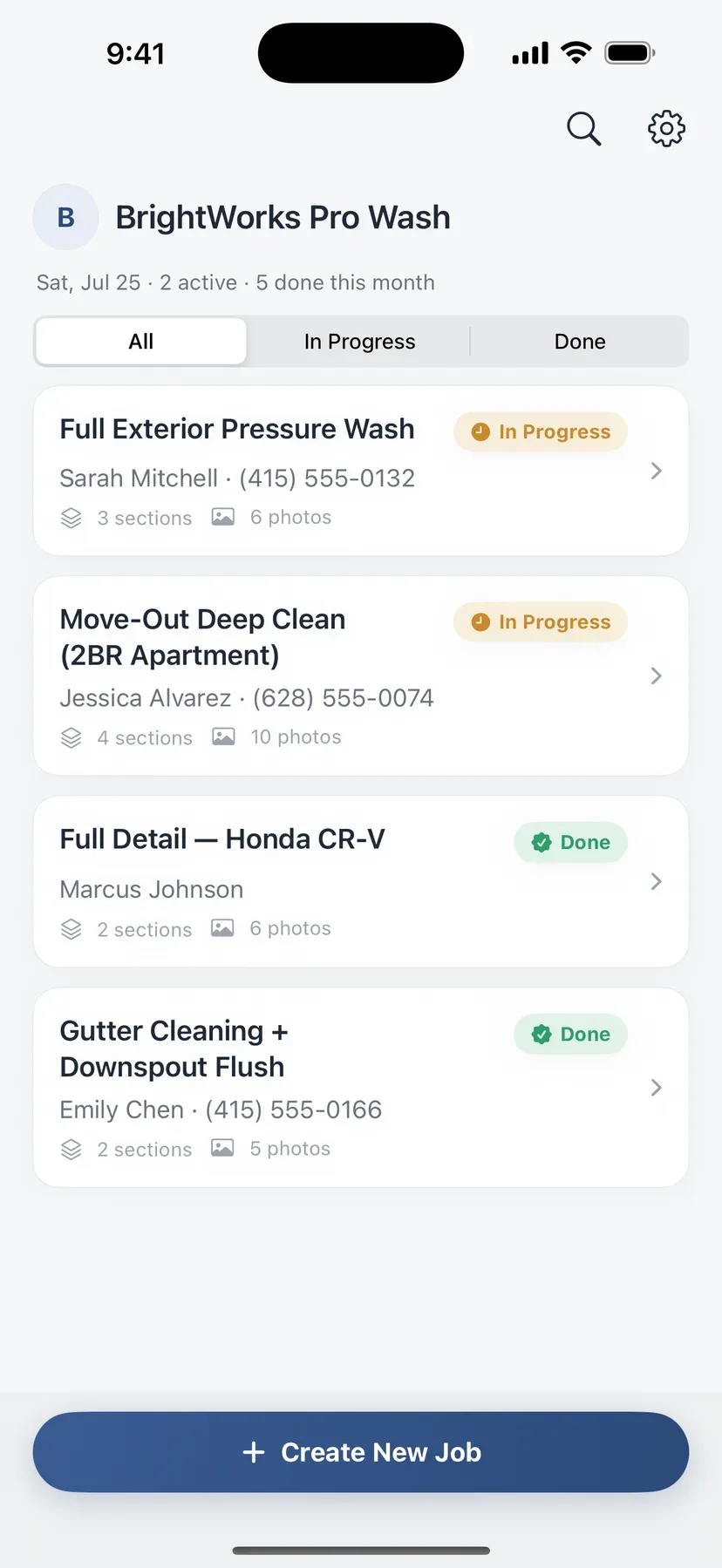
How a job goes
-
Split the job into sections
Driveway, patio, siding — one section per part of the job. Every job takes a customer name; the phone number and the price are optional, and the price only lands on the report if you fill it in.
-
Shoot before and after
The same photos you would take anyway, filed under the right section. A one-line note is enough, and it can be in Spanish even when the report goes out in English.
-
Send the link
Tap Share and text it over. Your customer opens the report in their browser, sees the proof, and the link stays live for as long as you set.
Worth knowing up front
- Your first 10 reports are free
- Notes in Spanish, report in English
- Photos are never sent to the AI
- You set when the link expires — 90 days by default
Questions we get
How many free reports do I get?
Ten — and that's ten in total, not ten a month. Use them whenever you like; nothing resets or expires at the end of the month. After that, JobShot Pro is a monthly subscription with a generous report allowance for a one-person operation. Creating jobs, sections, and photos is never part of the count.
Does regenerating a report use one up?
Yes, and we'd rather say so here than let you find out on your ninth job. Every report that comes back successfully counts — the first pass, a regeneration, an AI edit of one you already have. Getting the notes in before you hit generate is the cheapest way to work.
Can I write my notes in Spanish?
Yes — Spanish, Korean, Japanese, whatever you think in. You choose the language the report goes out in, and it comes back written for that reader: courteous, complete, and in their language rather than yours. Your words, professionally rewritten.
Does my customer need the app?
No. They get a link and it opens in any browser. No install, no account, nothing to remember. The link is randomized and effectively unguessable, report pages are blocked from search engines, and it stops working on the expiry date you set — 90 days unless you change it.
Do my photos go to the AI?
No. Only text goes to the AI — your business name, the customer's name, the job title, your section titles and notes, and the signature line you set for reports — and only the written sentences come back. The AI is told how many photos a section has, never shown them. The photos themselves sit in storage at randomized addresses so the report page can display them.
What kind of work is it built for?
Pressure washing, house and move-out cleaning, mobile detailing, gutter cleaning, junk removal, carpet cleaning — any trade where the difference shows and the customer usually isn't standing there watching. If your customers already ask you to send photos when you're done, this is that job, already written up.
The proof is already on your phone
Install JobShot and turn today's job into a report your customer can open. Your first 10 reports are free.